
Download PhotoBatcher – photo batch resize, image compression, social media upload, batch editing, photo tool
Overview
PhotoBatcher is a specialized mobile application designed to streamline the process of managing digital images, particularly for users who regularly handle multiple photos. Its primary purpose is to enable batch resizing, image compression, and direct uploads to social media platforms—tasks that would otherwise require individual editing for each file. By automating these functions, the app helps users save significant time and effort, especially when preparing content for online sharing or storage optimization.
The app is particularly valuable for content creators, photographers, social media managers, and casual users who frequently post or share images across platforms. It addresses the common pain points of slow workflow, file size limitations, and the complexity of multi-step editing processes. While the developer, PhotoBatcher Inc., is listed, no further background information is available.
The app was released on April 19, 2013, placing it among the early productivity tools in the Android ecosystem focused on image management. Despite its age, it continues to serve a niche but consistent user base. Its relevance lies in its focused functionality—offering a streamlined solution for batch processing without unnecessary bloat.
For users who prioritize efficiency and simplicity in image handling, PhotoBatcher remains a practical utility within the mobile productivity landscape.
Key Features & Functionality
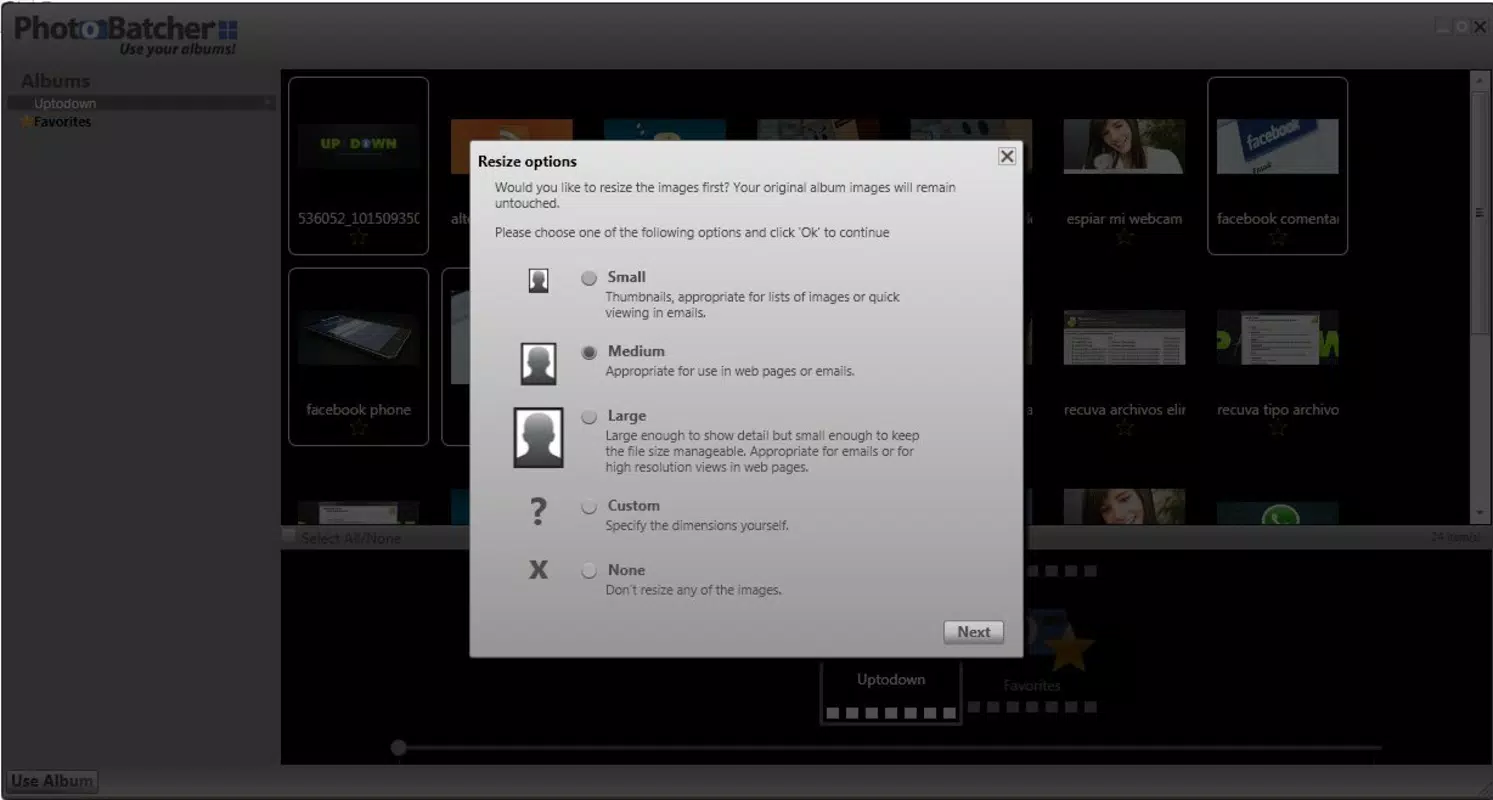
- Batch Resizing: Users can select multiple images and apply uniform resizing parameters in a single operation. This is ideal for preparing photos for websites, emails, or social media platforms with specific size requirements, eliminating the need for manual adjustments per image.
- Image Compression: The app compresses selected images into a single zip file, reducing file size while maintaining acceptable visual quality. This feature is especially useful for conserving storage space and facilitating faster file transfers.
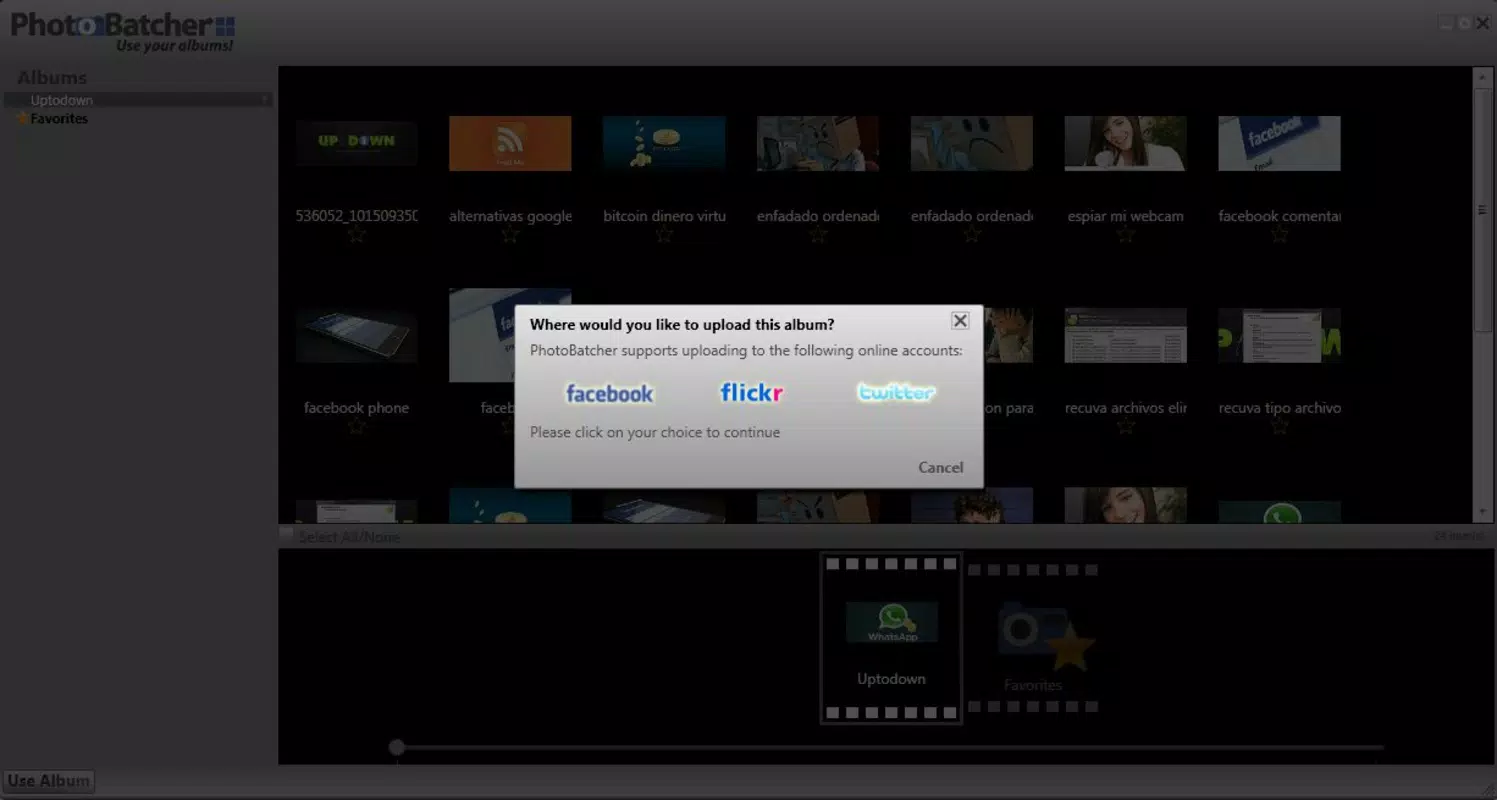
- Direct Uploads: PhotoBatcher enables users to send processed images directly to popular platforms such as Gmail, Facebook, and Flickr without switching applications. This integration enhances workflow efficiency and reduces the risk of errors during manual sharing.
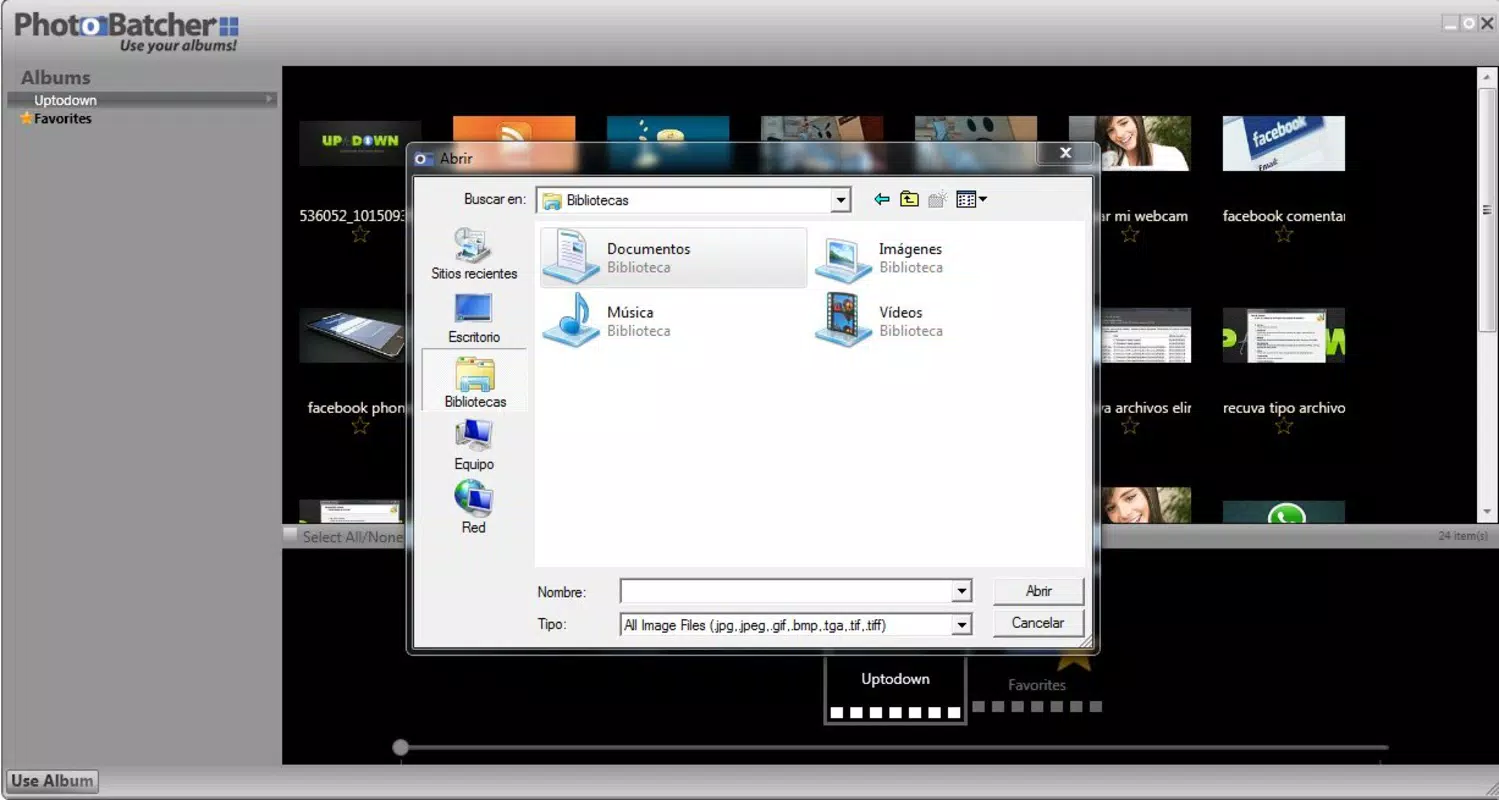
- User-Friendly Interface: The app features a clean, intuitive layout that allows users of all experience levels to navigate and use its tools with minimal learning curve. The design prioritizes accessibility, making it suitable for both novice and advanced users.
For example, a social media manager preparing a weekly post can select 50 images, resize them to 1080x1080 pixels, compress them into a zip file, and upload them directly to Facebook—all within minutes. Similarly, a traveler sharing vacation photos can compress their entire gallery and send it via Gmail without exceeding attachment limits. These real-world applications demonstrate the app’s practical value in everyday digital workflows.
Interface, UX & Performance
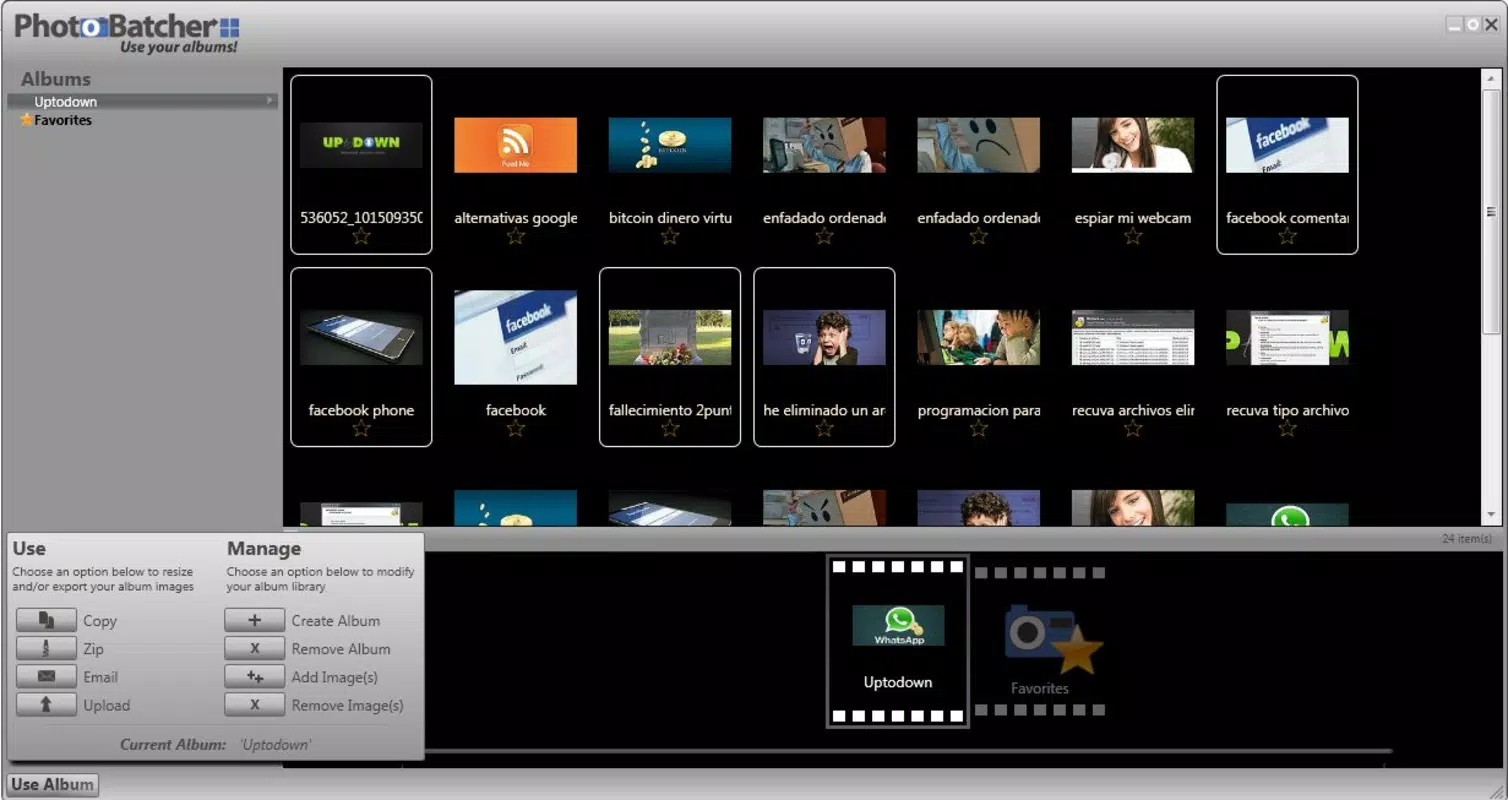
PhotoBatcher presents a straightforward interface focused on core functionality, minimizing distractions and prioritizing usability. The layout is clean and logically organized, with clearly labeled buttons and intuitive navigation. Users can access key functions—resizing, compression, and sharing—through a minimal number of taps, reducing cognitive load.
The visual style is functional rather than decorative, aligning with its utility-driven purpose. Although the developer did not list formal performance metrics, the app’s small file size of 1.2 MB suggests optimized resource usage, which may contribute to efficient operation on a range of Android devices. The app appears responsive during basic tasks such as selecting files, adjusting dimensions, and initiating uploads.
Stability is implied by its long-standing presence in the ecosystem, though no user reports or crash statistics were provided. Compatibility across device categories is not explicitly stated, but its lightweight design suggests it may function well on older or mid-tier Android devices. Overall, the user experience emphasizes simplicity and speed, making it accessible to users who value functionality over advanced customization.
Platform Compatibility & Technical Requirements
PhotoBatcher is available exclusively on the Android platform. The current version is 1.0, and the app has a file size of 1.2 MB, indicating a lightweight footprint. While the app is designed for Android, specific minimum OS requirements were not listed by the developer.
This lack of detail means users should exercise caution when installing on older or newer Android versions. The absence of information about supported Android versions or device architecture prevents definitive compatibility assessment. The developer did not specify whether the app supports tablet devices or requires specific hardware features.
Users are advised to verify compatibility with their device before downloading. Despite the limited technical disclosure, the app’s small size and focused functionality suggest it may run on a wide range of Android devices, including those with lower processing power and memory. However, without formal requirements, users should proceed with awareness of potential limitations.
Pros and Cons
- Efficient batch processing for multiple images
- Integrated image compression to reduce file size
- Direct sharing to major social media and email platforms
- Simple, intuitive interface suitable for all users
- Lightweight design with minimal storage impact
- Version 1.0 suggests limited updates or feature expansion
- No publicly available information on OS compatibility
- Price point of $2.99 may be considered high for a basic tool
- Developer details are minimal, limiting trust assessment
- Older release date may raise concerns about modern security updates
FAQ
Is PhotoBatcher available for iOS?
As of the provided information, PhotoBatcher is only available on the Android platform. There is no indication of an iOS version.
Can I use PhotoBatcher without an internet connection?
Yes, the core functions—batch resizing, compression, and local file management—can be performed offline. However, direct uploads to online platforms require an active internet connection.
Is the app secure for handling personal photos?
While the developer did not provide detailed security information, the app operates locally on the device and does not appear to transmit files to external servers during processing. Users are advised to review permissions carefully during installation.
How often is PhotoBatcher updated?
The app’s version is listed as 1.0, and the release date is from 2013. No recent update history is available, suggesting infrequent or no updates.
Does PhotoBatcher support image formats beyond JPEG?
The provided information does not specify supported image formats. Users may need to test compatibility with formats such as PNG, BMP, or HEIC.
Final Thoughts
PhotoBatcher delivers a focused, no-frills solution for users who need to resize, compress, and share multiple images efficiently. Its ability to handle batch processing with minimal effort makes it a valuable tool for content creators, social media users, and anyone managing large photo collections. While its age and lack of updates may raise concerns, its lightweight design and clear functionality continue to serve its intended purpose.
The app’s simplicity and direct approach to image management stand out in a crowded market of more complex alternatives. For users seeking a reliable, dedicated tool for photo batch editing without the overhead of advanced features, PhotoBatcher offers a practical and secure option. Despite its modest price, it remains a compelling choice for those prioritizing speed and ease of use.
Download PhotoBatcher now.


